
Private ADS software

ALBION
DARKSTORE

Albion Online radar for PC and Android

ADS-Radar for Windows and mobile Phone Radar for Android.
Choose your platform. We will help with the rest.

Windows Android One game. Your choice.
Discover more

Our products

Albion Radar

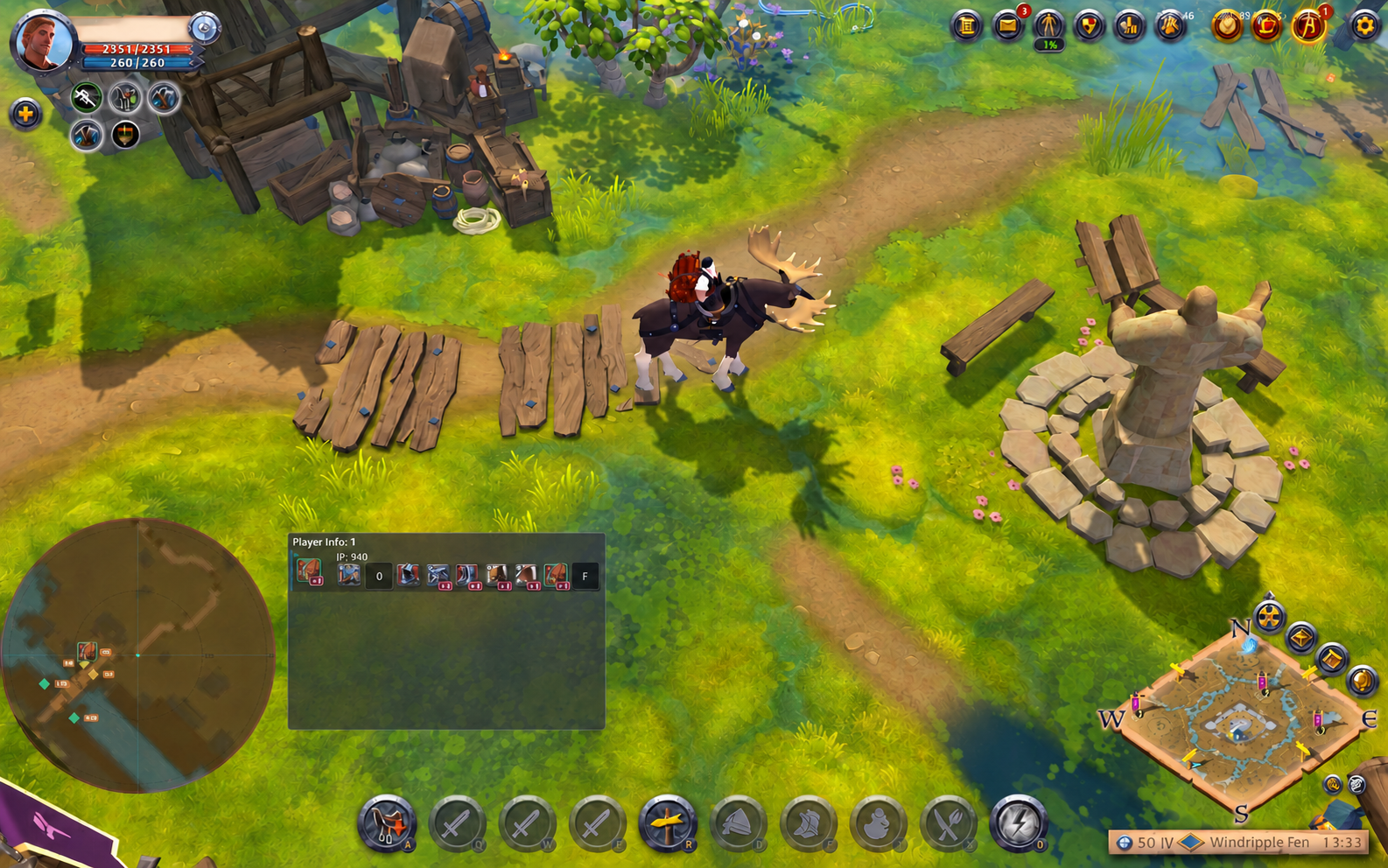
Albion Online / PC · Windows

ADS-Radar

More information.
In the game you know.

Nearby players, resources and objects in a dedicated overlay. Adjust the view to the way you play.

  • Players and equipment
  • Resources and objects
  • Customizable overlay
Launch through ADS Launcher

Albion Online / Android

Phone Radar

The same world.
Your mobile experience.

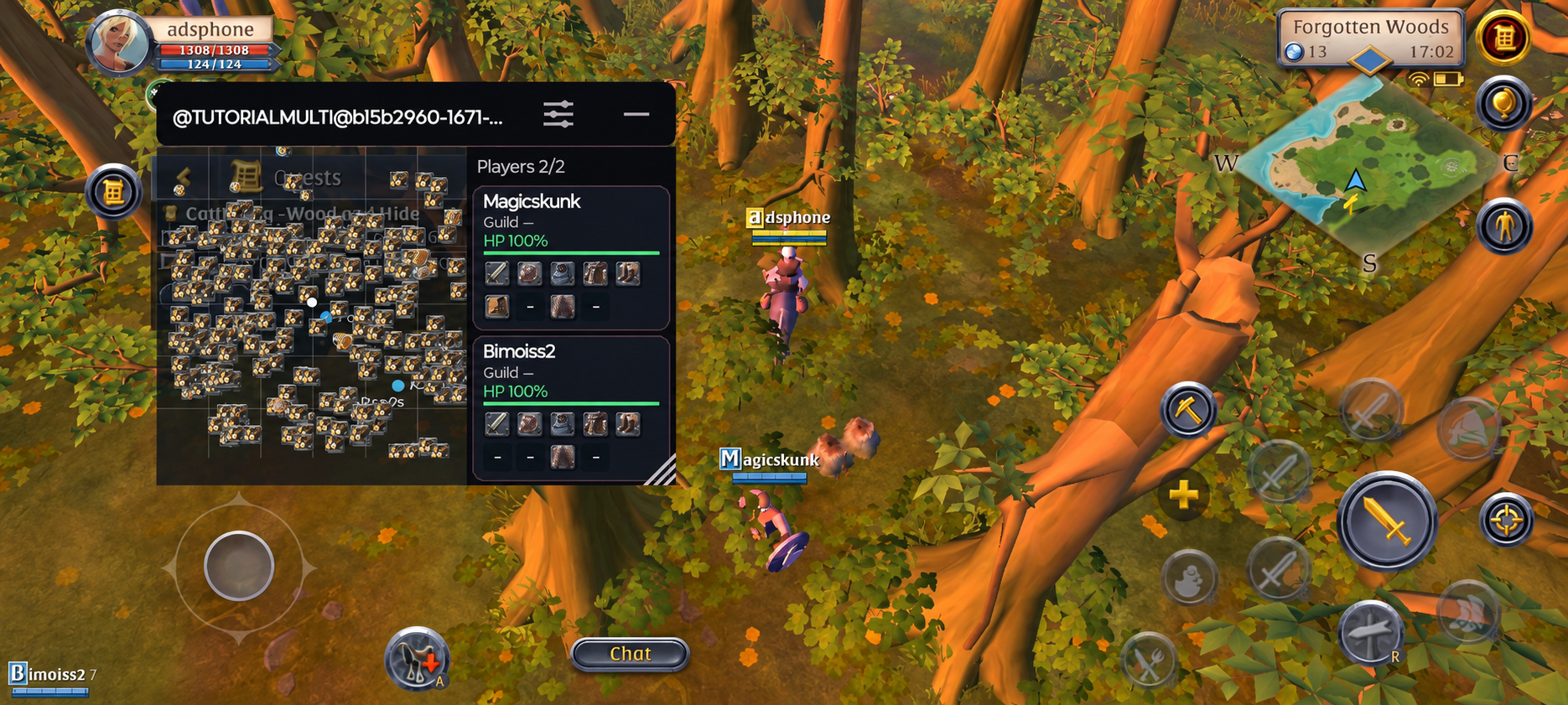
A map and nearby objects over your game on Android. An overview and filters made for a smaller screen.

  • Map and nearby objects
  • Players and equipment
  • Resource filters
A separate Android application
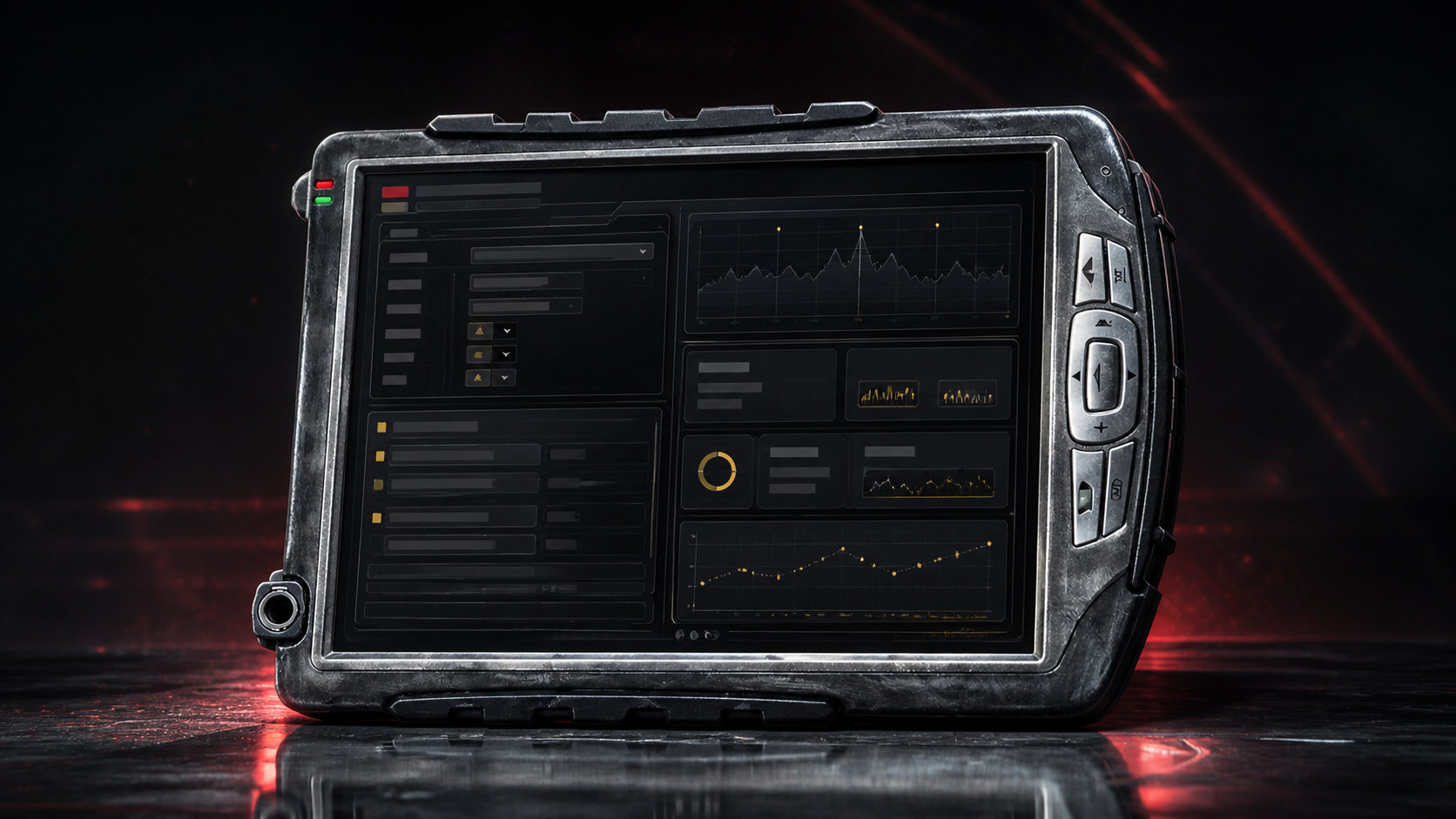
STALCRAFT: X Stalytics Tools for your next build. Coming soon

Getting started

From choice
to launch.

A few steps and you are ready to start.
We are here if you need a hand.

  1. 01

    Choose your platform

    PC or Android — choose the right version of the radar.

  2. 02

    Get access

    Message us on Discord or Telegram. We will help with a plan and key.

  3. 03

    Install and launch

    Follow the instructions for your platform. Support can help you set up.

Installing on Windows

Download ADS Launcher and create an account or sign in. Activate your key, download ADS-Radar and launch it through the launcher.

Download ADS Launcher
Installing on Android

Install Albion Online from Google Play. Download the Phone Radar APK and sign in to an account with an active license. Android 10+ and ARM64 are required; no root is needed.

Download APK

Feedback

From the players.

Customer reviews from our FunPay store.

Reviews are not available yet. Please check back later.

Get in touch

Ready for your game?

We can help you choose a radar, get access and set it up.

Radar screenshots